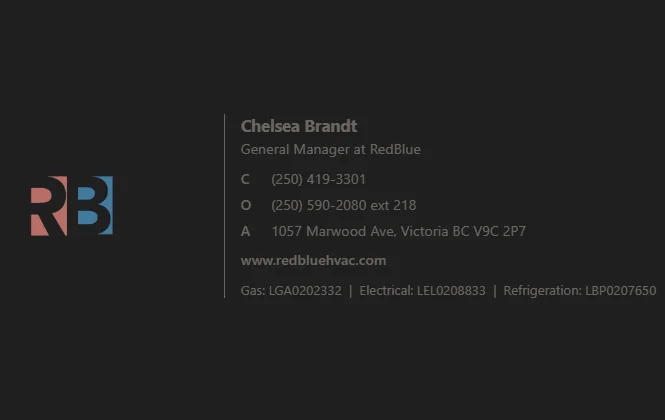
New Email Signature Now Live
A refreshed RedBlue email signature is now available for all team members. This update brings our day‑to‑day communication in line with our current brand direction—cleaner, more consistent, and easier to implement across devices.
What’s new
A simplified, modern layout using a single neutral gray for all text and links
A left‑aligned RedBlue logo for stronger visual identity
Clear, accessible formatting that renders reliably across Outlook, mobile, and webmail
A standardized structure for name, role, contact details, and website
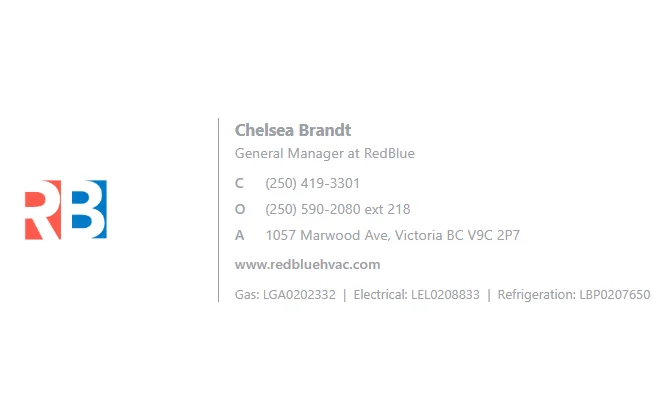
Visible clearly on both light and dark themes without any font changes or custom coding (see light BG below)
Why it matters
Consistent signatures help reinforce our brand in every client interaction. This update also reduces formatting drift and ensures everyone is using the same, up‑to‑date template.
How to update your signature
Copy the signature block from the Email Signature module in the portal.
Replace the placeholder contact details with your own.
Add it to Outlook (Desktop, Web, or Mobile) using your preferred method.
Save and test by sending yourself a message.
How to edit your signature to make it yours
Updating the new RedBlue signature takes only a minute. The template includes placeholder text in brackets so you know exactly where to insert your information. When customizing your signature, replace the entire placeholder—including the brackets—with your own details.
Template: [PLACE YOUR NAME HERE]
Correct final version: Jordan Owen
Incorrect: [Jordan Owen]
Steps to personalize your sig
Copy the signature template from the portal into your email client.
Replace each placeholder with your own information (full name, your position, your cell number, office and extension)
Remove ALL brackets as you replace the text.
Send yourself a test email to confirm formatting and links display correctly.